
Wi-Fi 6 vs 6E vs 7: Which One Does Your Business Actually Need?
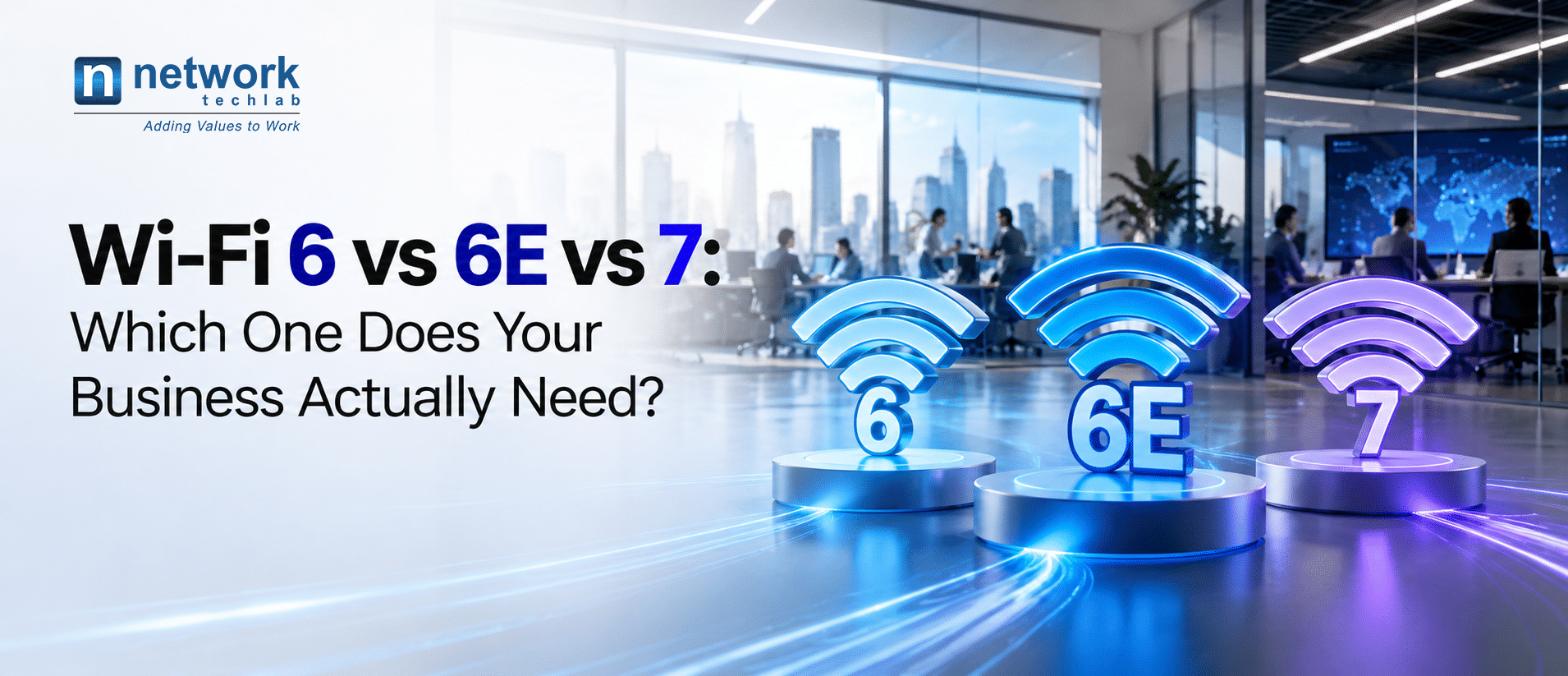
For most Indian businesses in 2026, the answer is Wi-Fi 7 for new deployments and a phased upgrade for existing ones. But “most” isn’t “all”, and the right choice depends on your devices, your density and your budget.
Choosing a wireless standard used to be simple: buy the latest and move on. Today, three generations are on the market at once, each with different price points and very different capabilities. And in January 2026, India’s Department of Telecommunications opened the lower 6 GHz band for licence-free Wi-Fi use, which changed the equation for every IT team planning a refresh.
This guide breaks down what separates Wi-Fi 6, 6E and 7, what the 6 GHz decision means for you, and how to decide which one fits your business.
The three standards in plain terms
Wi-Fi 6 (802.11ax): the efficiency upgrade
Wi-Fi 6 was built for crowded networks, not just raw speed. It runs on the familiar 2.4 GHz and 5 GHz bands and introduced OFDMA, which lets one access point serve many devices at once instead of taking turns. It also added Target Wake Time, which helps battery-powered devices like scanners and IoT sensors last longer.
Wi-Fi 6 is mature, affordable and supported by almost every laptop and phone sold in the last five years. Its limit is spectrum: 2.4 GHz and 5 GHz are crowded, especially in dense offices and campuses.
Wi-Fi 6E: Wi-Fi 6, plus a new highway
Wi-Fi 6E uses the same technology as Wi-Fi 6 but adds access to the 6 GHz band. Think of it as the same car on a brand-new, empty highway. The 6 GHz band has far more room for wide channels and no interference from older devices, since only 6E and 7 devices can use it.
The catch is that 6 GHz signals travel shorter distances and pass through walls less easily, so coverage often needs more access points.
Wi-Fi 7 (802.11be): built for real-time and high-density work
Wi-Fi 7 is the biggest leap of the three. Its headline features are:
- Multi-Link Operation (MLO): a device can connect over 2.4, 5 and 6 GHz at the same time, switching or combining links for speed and reliability. This is the feature that matters most for business.
- 320 MHz channels: double the width of Wi-Fi 6E, for much higher throughput.
- 4K-QAM: packs about 20% more data into each transmission than Wi-Fi 6.
- Preamble puncturing and Multi-RU: the access point can work around interference within a channel instead of abandoning it.
The result is lower, more predictable latency, which is what video calls, AR/VR, real-time analytics and automation actually need.
Side-by-side comparison
| Feature | Wi-Fi 6 | Wi-Fi 6E | Wi-Fi 7 |
| IEEE standard | 802.11ax | 802.11ax (extended) | 802.11be |
| Frequency bands | 2.4 and 5 GHz | 2.4, 5 and 6 GHz | 2.4, 5 and 6 GHz |
| Max channel width | 160 MHz | 160 MHz | 320 MHz |
| Modulation | 1024-QAM | 1024-QAM | 4096-QAM (4K-QAM) |
| Theoretical peak speed | 9.6 Gbps | 9.6 Gbps | About 46 Gbps |
| Multi-Link Operation | No | No | Yes |
| Interference handling | Basic | Clean 6 GHz band | Puncturing works around interference |
| Client device support | Near universal | Growing | Newer flagship devices |
| Relative cost | Lowest | Moderate | Highest, falling fast |
| Best for | Budget refresh, low to moderate density | Transition deployments | New builds, high density, real-time apps |
A note on speeds: theoretical peaks are lab numbers. Real-world throughput per user is far lower. What matters more for business is how well each standard holds up when hundreds of devices share the air.
What India’s 6 GHz decision means for your business
On 21 January 2026, the Department of Telecommunications de-licensed 500 MHz of the lower 6 GHz band (5925 to 6425 MHz) for Wi-Fi. No licence is needed to run equipment in this range, as long as devices meet the government’s technical and operational conditions. The rules cover low-power indoor and very-low-power outdoor devices.
Before this, Wi-Fi 6E and Wi-Fi 7 hardware sold in India was limited to 2.4 and 5 GHz. That meant Indian businesses were paying for capabilities they couldn’t use. That has now changed.
There are three practical points to keep in mind:
- 500 MHz is a start, not the full band. Many countries have opened 1200 MHz. In India’s 500 MHz, you can fit only one 320 MHz channel, so most enterprise designs will use 80 or 160 MHz channels for better capacity across many access points. Industry body Broadband India Forum has pushed for at least another 160 MHz.
- Indoor use is the focus. The power limits make 6 GHz best suited to offices, campuses, hospitals and factory floors, not long-range outdoor links.
- Some locations are excluded. Use of the band is prohibited on oil platforms and inside vehicles such as cars, trains, boats and drones, and in aircraft below 10,000 feet.
The bottom line: Wi-Fi 6E and 7 are now fully viable in India, and the case for Wi-Fi 6-only hardware in new deployments has weakened considerably.
Which one fits your business?
Choose Wi-Fi 6 if…
- You run a small or mid-sized office with moderate device density.
- Your budget is tight and your main need is reliable email, browsing and cloud apps.
- Many of your devices are older and won’t support 6 GHz for years.
- You need a stop-gap for a site you plan to rebuild or exit within 2 to 3 years.
Choose Wi-Fi 6E if…
- You want to use the 6 GHz band now, at a lower price than Wi-Fi 7.
- You’re extending an existing 6E deployment and want consistency.
- Your workloads are mostly bandwidth-heavy but not latency-critical.
In practice, Wi-Fi 6E is becoming a transition product. As Wi-Fi 7 prices fall, the gap narrows, and most vendors are shifting their enterprise portfolios to Wi-Fi 7.
Choose Wi-Fi 7 if…
- You’re building a new office, campus or facility and want a 7 to 10 year lifespan.
- You have high-density spaces: auditoriums, trading floors, lecture halls, conference centres.
- You rely on real-time applications: video collaboration, AR/VR training, telemedicine, industrial automation, AGVs on a factory floor.
- You’re planning AI-driven or IoT-heavy operations that will add thousands of connected devices.
By industry
| Industry | Recommended | Why |
| Corporate offices (hybrid work) | Wi-Fi 7 | Dense video calls and hot-desking need low, stable latency |
| Education and campuses | Wi-Fi 7 | Thousands of simultaneous users in lecture halls and hostels |
| Healthcare | Wi-Fi 7 | Reliability for connected medical devices and telemedicine |
| Manufacturing and warehouses | Wi-Fi 7 (with private 5G where needed) | Deterministic performance for automation and scanners |
| Hospitality | Wi-Fi 6E or 7 | Guest streaming demand in rooms and conference spaces |
| Retail branches and small offices | Wi-Fi 6 or 6E | Moderate density, cost-sensitive |
What most upgrade plans miss
New access points are only part of the bill. These four areas often decide whether a Wi-Fi 6E or 7 rollout delivers on its promise.
- Switching and uplinks. A Wi-Fi 7 access point can push well past 1 Gbps. On a 1G switch port, it becomes a bottleneck. Plan for 2.5G, 5G or 10G multi-gigabit ports, and check whether your existing cabling (Cat 5e, Cat 6 or Cat 6A) supports those speeds at your cable lengths.
- Power over Ethernet. Enterprise Wi-Fi 7 access points typically need more power than older models, often 802.3bt (PoE++). Audit your switch PoE budgets before ordering hardware, or you may end up with access points running in reduced-power mode.
- Client devices. Your network is only as fast as the devices connecting to it. Take inventory of laptops, phones, scanners and IoT devices, and check their refresh cycles. A Wi-Fi 7 network still works with older devices, but they won’t get Wi-Fi 7 benefits.
- Security. WPA3 is mandatory on the 6 GHz band. Older devices and legacy authentication setups may need updating, so factor this into your planning.
One more point: because 6 GHz signals have shorter range, don’t simply swap old access points one-for-one. A proper predictive design and on-site survey will tell you where to add or move access points.
A simple way to decide
Ask these four questions:
- Is this a new build or a refresh? New builds should default to Wi-Fi 7. Refreshes can be phased.
- How dense is the space? High-density areas benefit most from 6 GHz and MLO. Low-density branches may be fine on Wi-Fi 6.
- What will your devices look like in three years? If most will be Wi-Fi 7 capable, invest now rather than upgrading twice.
- Is your wired network ready? If switching and PoE need an overhaul anyway, bundle it with a Wi-Fi 7 upgrade to save on labour and disruption.
For most organisations, the smartest path is a phased rollout: start with Wi-Fi 7 in high-density, high-value areas like boardrooms, training centres and busy floors, then extend as budgets and device refreshes allow.
The bottom line
Wi-Fi 6 is still a sensible, low-cost choice for small, low-density sites. Wi-Fi 6E is a reasonable middle ground but is being overtaken. For new deployments and high-demand environments in India, Wi-Fi 7 is now the future-proof choice, especially since the 6 GHz band is finally open.
Not sure which is right for you? Let’s find out.
Network Techlab helps enterprises across India design, deploy and manage wireless networks built for how they work today and where they’re headed. Our Wireless Readiness Assessment covers:
- A review of your current wireless and wired infrastructure
- A device and application audit
- Predictive design and on-site surveys for 6 GHz coverage
- A phased upgrade roadmap with clear cost estimates